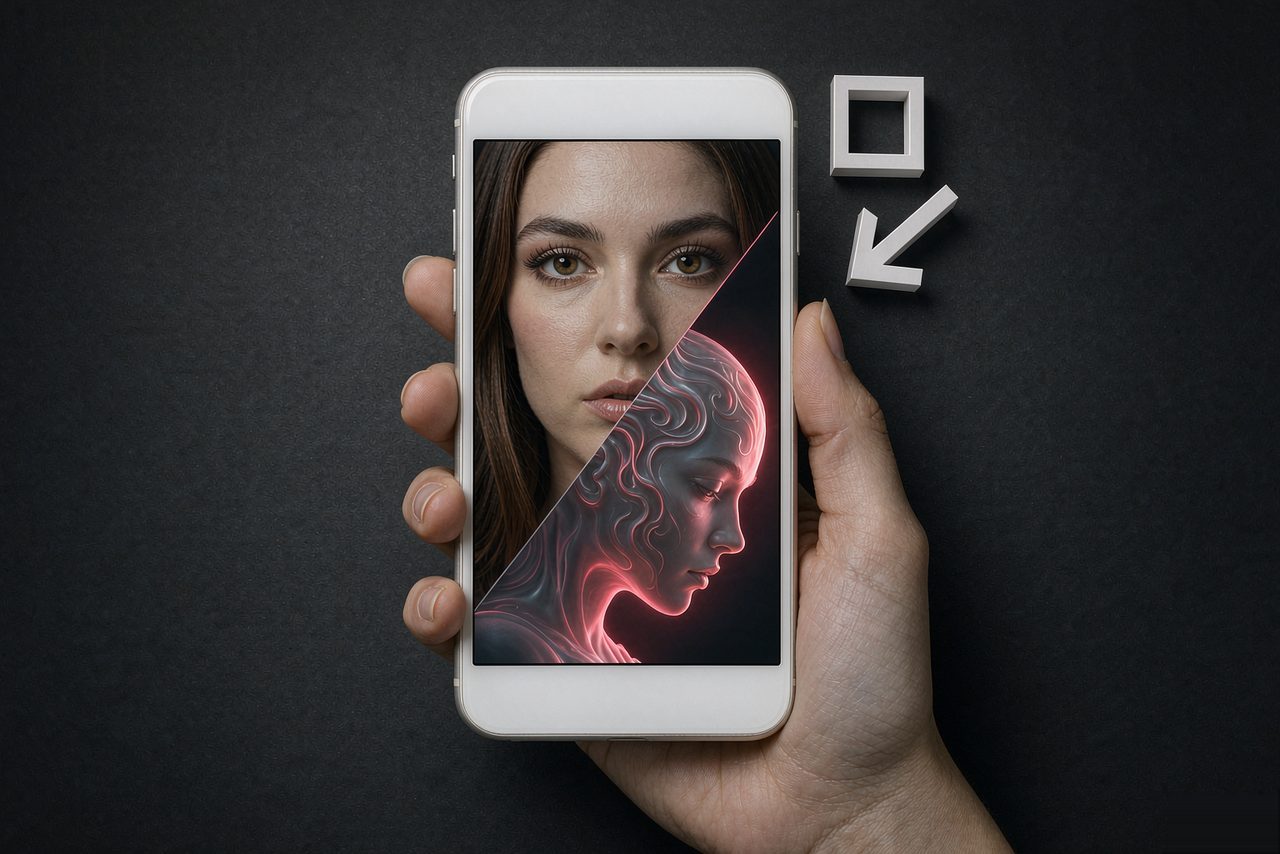
Start with the right source photo
The swap is only as good as the portrait you feed it. The ideal source is a front-facing photo with even lighting, no heavy shadows across the face, and no sunglasses or hands covering features. Phone selfies are fine; crops from group photos usually are not.
Resolution matters less than sharpness. A 1K photo in focus beats a 4K photo in motion blur every time.
Generate the swap
Upload the portrait, pick a visual direction and let the studio run. A clean swap takes a few seconds. If the result looks off, the cause is almost always the source: re-shoot with your face toward the light and try again before tweaking anything else.
Outputs are HD and watermark-free, which matters more than it sounds. Watermarked images get cropped or mocked; clean images get shared.
Make it a meme, not just a swap
A raw face swap is a demonstration; a meme needs a context. Drop the result into a template, add a caption that reframes it, or place it inside a recognizable scene. The fastest test: if someone who does not know you would still smile at it, it works. If only you get the joke, keep iterating.
Keep captions short. The image carries the joke; text only points at it.
Post where the format lives
Kirkified content performs best on TikTok, X and Instagram, in that order for most creators. Group chats are the real quality filter: if your friends send it onward without being asked, you have a winner. That first forwarding, not the like count, is the signal to watch.